
Master Legal Research Databases in 2026 with AI and Smart Search Techniques

Introduction
Remember when legal research meant spending hours in a library with dusty books? Those days are gone. In 2026, legal research databases have changed everything. AI tools now help lawyers find cases faster than ever. The Legal Technology Market Report from Grand View Research shows the market keeps growing fast. Legal research platforms are a big part of that shift.
But here is the thing. With so many options, attorneys face a new problem. There are more tools than ever, but finding the right case or statute still takes real skill. An associate attorney might have ten databases open at once. A partner might use AI search tools that bring back hundreds of results. The real challenge is picking the most authoritative and relevant precedent from all that noise.

The effect of law research on case outcomes is huge, so getting it right matters.
This guide is built for 2026. It gives you advanced strategies to get the most out of legal research databases. Whether you work in mass action law, deal with complex regulations, or just want to research faster, these tips will help. We focus on what works right now. No fluff. No outdated methods.
The key is knowing how to use these tools the right way. The way technology reshapes the attorney role means research skills matter more than ever. Staying informed about AI and legal tech is part of that. The AI Newsletter Worth Reading can help you keep up with the latest changes.
Let us dive into what makes legal research databases work in 2026.
The New Landscape of Legal Research Databases in 2026
If you have not used a legal research database in the last year, you might be surprised by how much they have changed. In 2026, these tools are smarter and faster than ever before. The biggest reason is artificial intelligence.
AI is now the standard way most platforms work. You no longer need to spend hours learning complex Boolean search strings. Instead, you can type a question in plain English. The database understands what you need and pulls up the most relevant cases, statutes, and regulations. This saves everyone time, from a new associate attorney to a seasoned partner. It also means the effect of law research on your case strategy is more direct. You find the right precedent faster and waste less time on irrelevant results.
The market for these tools keeps growing. One report shows the legal research platforms market forecast predicts steady growth through 2031. More vendors are entering the space, especially those offering cloud-based and mobile-first solutions. This is a big deal because you can now do high-quality research from anywhere.

At the office, at home, or even in the courtroom before a hearing. The flexibility helps you work on your own terms.
But with more choices comes a new challenge. Data privacy has become a key factor. Clients expect their case information to stay secure. Platforms that offer strong encryption and clear data policies are winning more trust. Also, jurisdiction-specific content is now a major differentiator. Some databases cover federal law well but miss state-specific rules. Others shine in mass action law but fall short in other areas. The best tools let you filter by specific courts or even individual judges.
Many law firms now pair their research databases with other smart tools to work even faster. For example, AI contract analysis tools can work right alongside your research platform to speed up document review and contract work.
With all these changes, how do you choose the right database for your firm? Let us look at the specific features that separate good tools from great ones.
Essential Search Strategies: Boolean, Natural Language, and Advanced Syntax
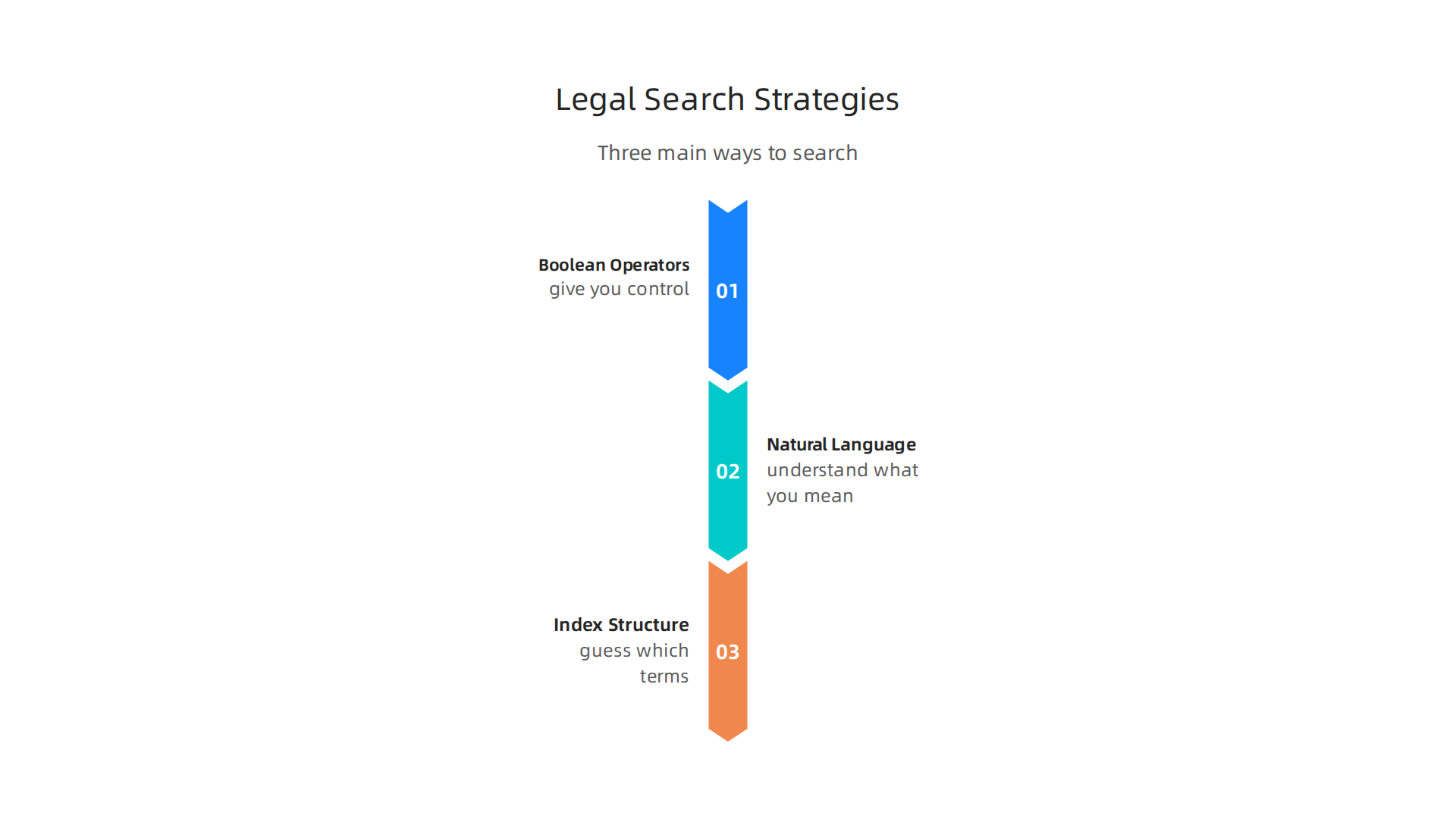
Even with all the new AI features in legal research databases, knowing how to search well still matters a lot. The smartest users mix old-school techniques with modern tools to get the best results. Let us break down the three main ways you can search.
Boolean Operators Still Matter
You have probably used AND, OR, and NOT before. But here is the thing. Many newer attorneys skip them because natural language seems easier. That is a mistake. Boolean operators give you control that natural language cannot match. For example, if you need cases about trademark infringement in the tech sector, you can use AND to combine terms and NOT to remove irrelevant industries. That kind of precision saves time.
If you are an associate attorney just starting out, learning these basics will pay off fast. A great place to begin is the guide on Boolean searching in legal databases: AND, OR, NOT from Michigan State University. It walks through the exact operators for Westlaw, Lexis, and Bloomberg Law.
One tricky part is that each platform handles simple spaces differently. On Bloomberg Law, a space between words works as AND. On Westlaw, the same space acts as OR. That small detail changes your results completely. The guide on connectors and wildcards for Bloomberg Law, Lexis, and Westlaw shows you how each tool reads your query. Knowing this helps you avoid wasted searches.
Natural Language Search Gets Smarter
Natural language search used to be the lazy option. Not anymore. In 2026, these engines use context vectors to understand what you really mean. You can type a plain question like "Can a landlord evict a tenant without a court order in California?" and the database pulls up the right statutes and case law right away. No Boolean syntax needed.
This changes the effect of law research on your daily workflow in a big way. You spend less time learning search commands and more time analyzing what matters. But natural language still has limits. It works best for broad questions. For tight, specific searches where you need exact matches, Boolean is still your best friend.
Understanding Index Structure
Here is a secret that power users rely on. Every database organizes its content in a specific way. When you understand how the index works, you can guess which terms will give you the best results. Some databases prioritize recent cases. Others highlight landmark rulings. Some organize by practice area, including mass action law or intellectual property. Knowing this helps you pick the right tool for each task. Putting the attorney first in your search strategy means learning the quirks of each platform you use.
As you build these search skills, you may also want to stay current on how AI keeps reshaping the legal field. Get clear daily AI updates from The Deep View Newsletter. You can subscribe to The AI Newsletter Worth Reading to stay ahead of the curve.
For a closer look at how these technology shifts affect the profession as a whole, check out how technology reshapes the attorney role in 2026.
Mastering Citator and Authority Validation Tools
You have found the cases you need. Great. But are they still good law? This is where citator tools save you from embarrassing mistakes in court. Every legal research database offers a way to check whether a case has been overturned, criticized, or followed. Skipping this step is like building a house on sand.
Shepard’s and KeyCite: The Gold Standards
On LexisNexis, you use Shepard’s. On Westlaw, you use KeyCite. Both tools scan thousands of citing references and give you a quick status symbol. A red flag means the case has been overturned or strongly criticized. A yellow flag means there is some negative treatment. Green or a plus sign means the case is still good law. These symbols are not just nice to have. They are essential for any associate attorney who wants to avoid citing bad precedent.
Both platforms add new features each year. In 2026, Shepard’s offers graphical treatment maps that show you how later courts have treated your case at a glance. KeyCite now includes statute relevance indicators that tell you if a law has been amended or struck down. These updates make the effect of law research faster and clearer. You can see the whole picture without clicking through dozens of pages.
Free Alternatives Have Limits
If your firm does not subscribe to both Westlaw and Lexis, you may turn to BCite on Bloomberg Law. BCite is a free citator that provides basic citation analysis. It shows you citing cases and some treatment flags. But it has limits. A study found that Shepard’s and KeyCite missed or mislabeled about one-third of negative treatments, and BCite is even less comprehensive. So use BCite as a starting point, but do not rely on it alone for critical decisions. For a deeper look at the accuracy of these tools, read the analysis of Shepard’s, KeyCite, and BCite accuracy on Jotwell.
Practical Tips for Citator Use
Run a validation report on every case you plan to cite. Do this at the start of your research and again before you file.

Also check the citing cases for any new developments in your practice area, such as mass action law or class action trends. Putting the attorney first means building habits that protect your reputation and your client’s case.
Failing to validate authority can lead to serious professional trouble. Learn more about the consequences of relying on overturned law in the guide on the malpractice attorney role in 2026.
As you master these tools, remember that citators are not just for cases. They also work for statutes, regulations, and even administrative decisions. Each legal research databases platform handles these differently, so take a few minutes to learn the shortcuts for your main tool. The time you invest upfront saves hours of rework later.
Comparative Analysis of Leading Legal Research Platforms
Once you feel confident with citators, the next question is which legal research databases to rely on. No single platform covers everything perfectly. Each has strengths and trade-offs. Understanding them helps you build a smarter research workflow.
The Major Players and What They Do Best
Westlaw Edge is still the most comprehensive database for case law, statutes, and secondary sources. Its KeyCite citator is known for giving you over 50% more citing references than Shepard’s, mainly because it catches more citations from a wider range of sources. This detail comes from a study documented in the PDF on evaluating Shepard’s, KeyCite, and BCite accuracy. Westlaw also has strong AI tools like WestSearch Plus that suggest relevant cases even when you search with plain language. For any associate attorney learning the ropes, this platform offers a safety net that is hard to beat.
LexisNexis+ keeps close pace with Westlaw. Its Shepard’s citator uses graphical treatment maps that make it easy to spot how a case has been cited over time. Lexis has invested heavily in AI with Lexis+ AI, which lets you ask research questions in natural language and get answers with citations. The effect of law research on Lexis is fast once you get used to its interface. Many firms use both Westlaw and Lexis because each catches different citing references, and using two platforms gives you the most complete picture of a case’s status.
Bloomberg Law comes in third, but its strengths are real. BCite offers basic citation validation for free. Bloomberg also excels in practical guidance tools like practice centers with model documents and checklists. If you work in mass action law or class actions, Bloomberg’s docket coverage is excellent. But as noted in the previous section, BCite is less comprehensive, so use it alongside a bigger platform.
Fastcase and Casetext are affordable alternatives that have grown fast. Fastcase offers a low-cost subscription with 50-state coverage and AI tools. Casetext’s Cara AI lets you upload a document and find cases that match. Both are great for solo practitioners or small firms on a budget. However, their citator tools are not as deep as KeyCite or Shepard’s, so you need to double-check the status of any case you plan to cite.
How to Choose the Right Platform for You
Think about these four things when picking a platform:
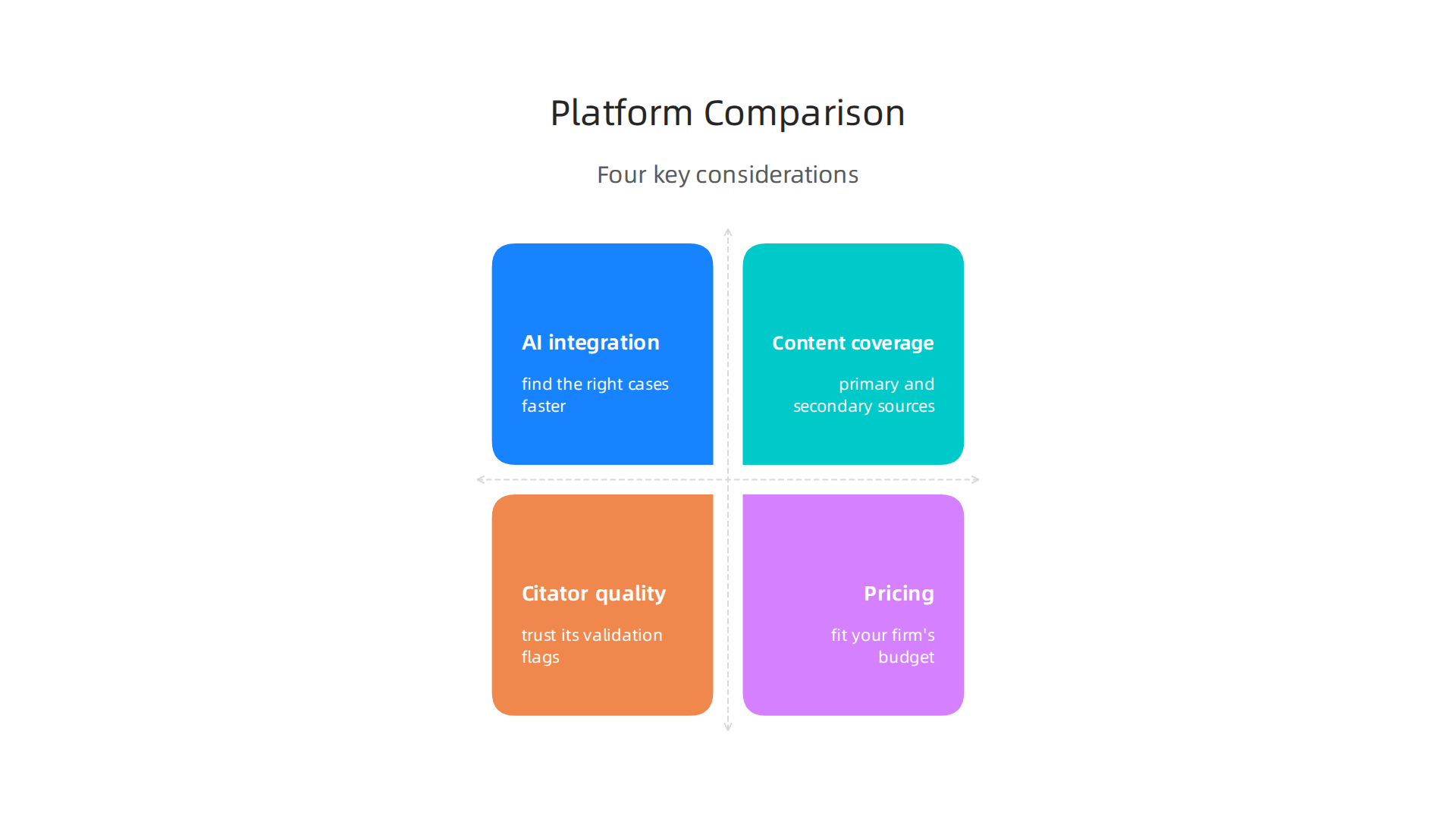
- AI integration – Does it help you find the right cases faster?
- Content coverage – Does it have the primary and secondary sources for your practice area?
- Citator quality – Can you trust its validation flags?
- Pricing – Does the cost fit your firm’s budget?
In 2026, putting the attorney first means spending money where it matters most. If you do federal litigation, Westlaw or Lexis are almost required. If you do niche state work, Fastcase or Casetext may be enough. Many attorneys combine one premium platform with one affordable one to get the best of both worlds.
A Hybrid Approach Often Wins
The smartest strategy is to use two complementary platforms. For example, run your initial searches on Fastcase or Casetext to find cases quickly. Then validate every critical case on Westlaw or Lexis before you cite it. This saves money while keeping your work accurate. Also, use Bloomberg Law for docket research and practical guides in areas like mass action law.
If your firm does not subscribe to premium platforms, check out the guide on how technology reshapes the attorney role in 2026 for tips on using free resources wisely.
The legal research world changes fast. To stay ahead of the latest AI tools and platform updates, consider getting clear daily AI updates from The Deep View Newsletter. It keeps you informed so you never miss a shift that could change how you practice.
Incorporating AI-Powered Research Assistants into Your Workflow
You have the platforms. Now let’s talk about the tools that make them faster. In 2026, AI-powered research assistants are changing how legal research databases work. Instead of typing search terms and scrolling through results, you can ask a question and get an answer with supporting citations in seconds. But these tools have limits you need to understand.
What AI Assistants Can Do for You
Tools like CoCounsel, Lexis+ AI, and Westlaw Edge AI can draft case summaries, find on-point cases, and even generate initial research memos. CoCounsel launched as the first GPT-4-powered legal AI assistant in 2023, as described in the article on Casetext’s CoCounsel powered by OpenAI’s GPT-4. It was later integrated into Westlaw after Thomson Reuters acquired Casetext. Lexis+ AI uses natural language queries to pull up relevant cases and statutes with citations attached.
For an associate attorney who needs to get up to speed on a new area fast, these tools cut research time by half or more. Instead of spending three hours reading cases, you can spend thirty minutes reviewing an AI-generated summary and then dive into the key opinions. That saved time goes toward building stronger arguments.
Firms like Pillsbury have embraced this shift, using AI to drive growth and improve efficiency. You can read more in their story about Pillsbury law innovation and AI leadership for a real-world example.
The Critical Caution: Verify Everything
Here is the thing AI assistants still hallucinate. They can invent case names, quote statutes that do not exist, or misinterpret the effect of law in a jurisdiction. Every AI output must be verified the same way you would verify a human paralegal’s work. Use the citators we talked about earlier. Check the Shepard’s or KeyCite status on every case the AI recommends. Run spot checks on citations to make sure they actually say what the AI claims.
An attorney first approach means using AI as a powerful assistant, not a replacement for judgment. Complex legal analysis questions involving multiple statutes, shifting precedents, or nuanced facts still need a human brain. AI can get you to the starting line faster, but you have to run the race.
How to Start Using AI in Your Research
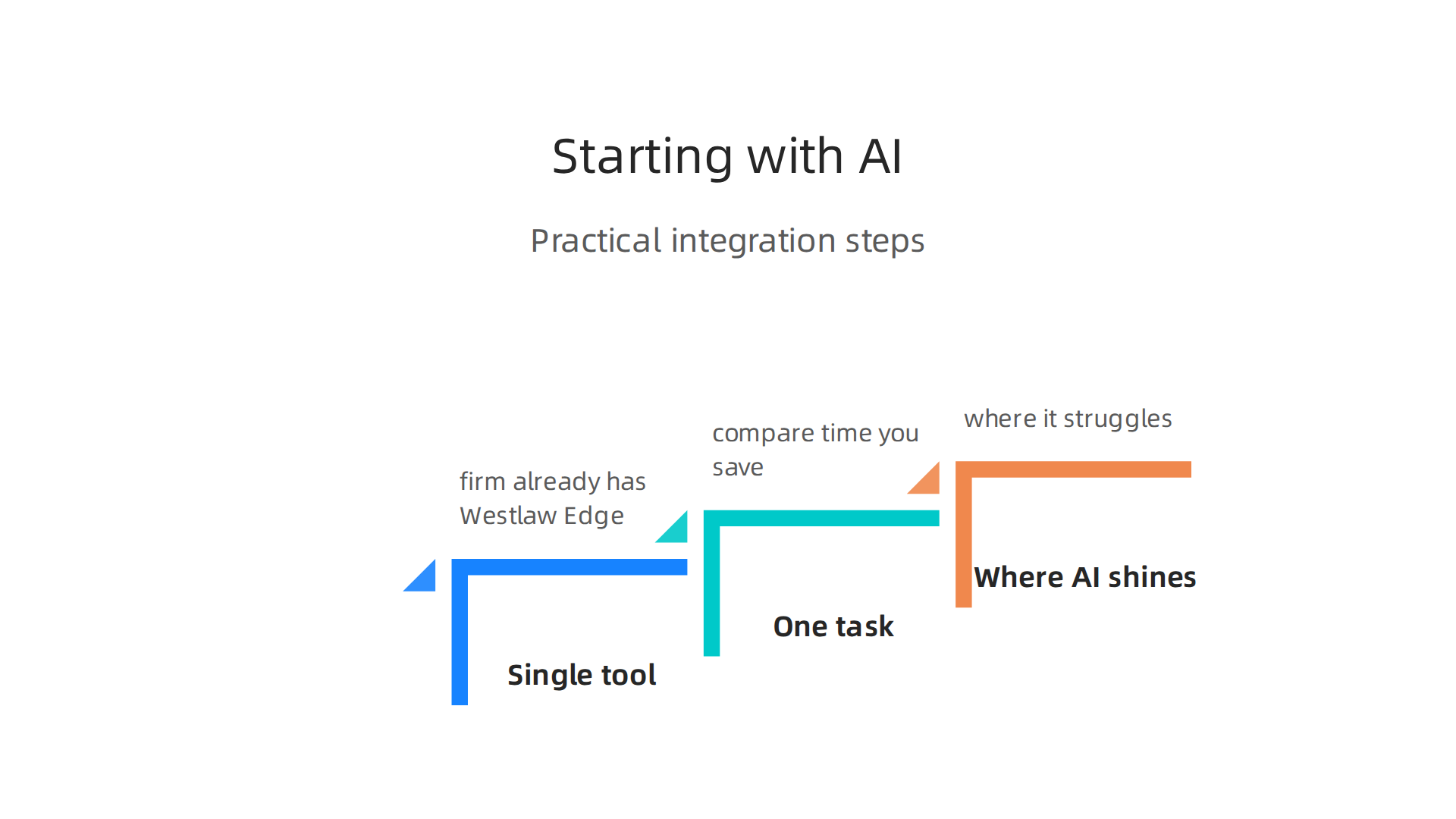
Begin with a single tool. If your firm already has Westlaw Edge, turn on CoCounsel. If you use Lexis, activate Lexis+ AI. Try it on one research task. Compare the time you save against the time you spend fact-checking. Over a few weeks, you will learn where AI shines and where it struggles. The goal is to make your workflow faster without sacrificing accuracy.
In the end, AI-powered research assistants are just one more tool in your legal research databases toolbox. Use them wisely, and they will make you a better, faster lawyer.
Optimizing Your Research Workflow for Efficiency and Accuracy
That speed means nothing without a solid system backing it up. Once you bring AI into your routine, the next step is to build a research workflow that saves you from doing the same work twice.

This is where the real time savings happen for any associate attorney juggling multiple cases.
Set Up Saved Searches and Alerts
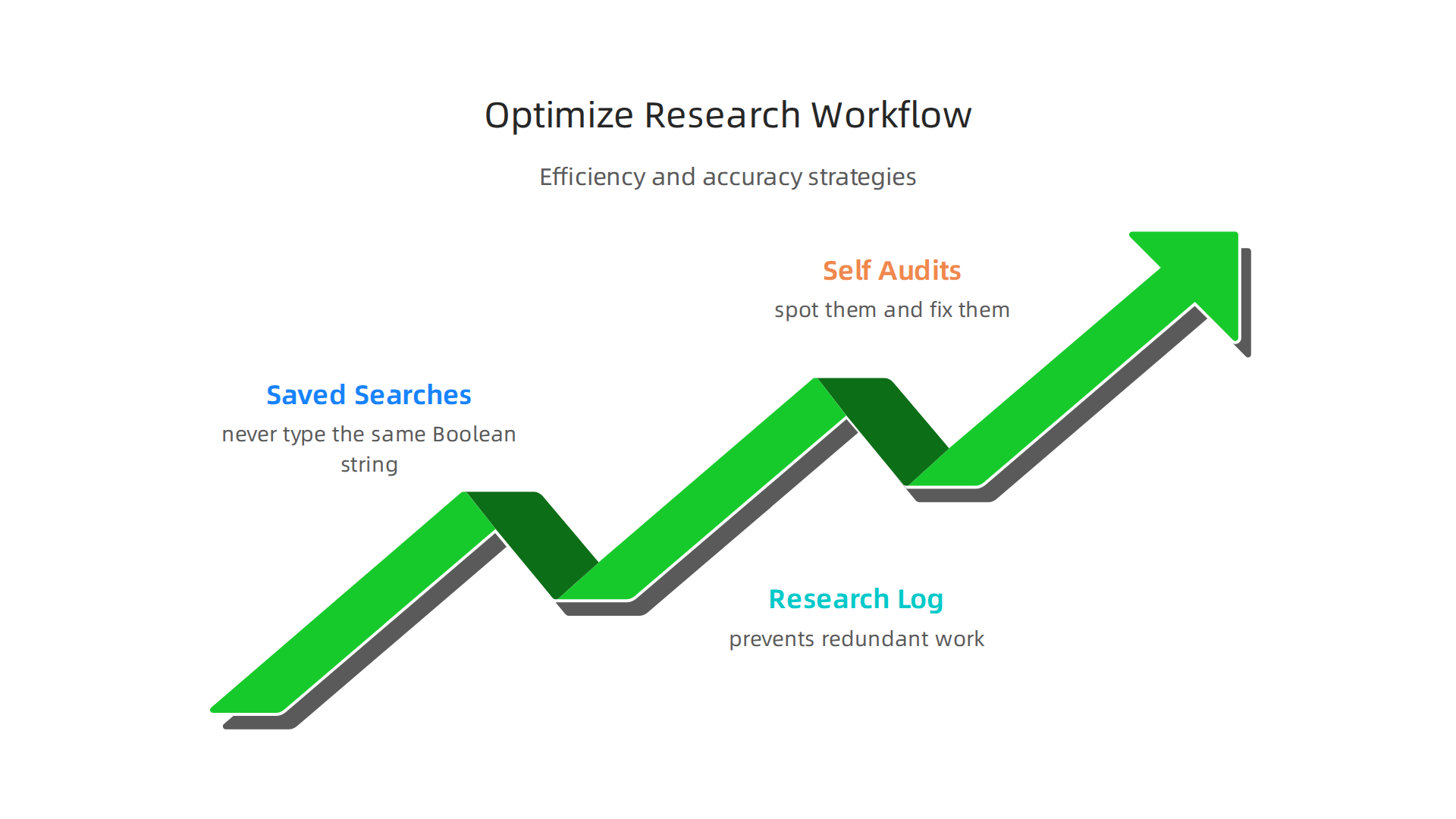
Your legal research databases let you save complex searches so you never have to type the same Boolean string twice. Set up alerts for new cases in your practice area. For example, if you handle appeals, you can create an alert that notifies you whenever a new decision comes down on a specific legal question about the effect of law. This way, you get fresh cases delivered to your inbox instead of searching manually every week. Use folders to organize research by client or issue. A folder system helps you find that one case you read three months ago without digging through history. Understanding how a case might fit into a larger procedural context is easier when you read up on related topics like de novo review in 2026 to guide your alert filters.
Keep a Research Log
Even the best AI assistant cannot remember what you already found last week. A simple research log tracking which cases you reviewed, which search terms you used, and what you concluded prevents redundant work. You can use a shared spreadsheet, a project management tool, or even a dedicated note inside your database. When you or a colleague starts a new project on a mass action law, a quick check of the log shows what ground has already been covered. The growing legal research software market analysis highlights how platforms are building these organizational features in, but your own log catches everything that falls through the cracks.
Run Regular Self-Audits
Take thirty minutes every month to review your own research habits. Are you still manually checking a source that you could automate? Are you clicking through five screens to get to a statute when a saved shortcut would work? These small friction points add up. A self-audit helps you spot them and fix them. Staying organized also means keeping up with industry changes that affect how you search. The The AI Newsletter Worth Reading can help you spot trends that might change your research habits before they slow you down.
Building this kind of discipline turns an ordinary legal research databases user into an attorney first who gets the right answers fast. The tools are powerful, but the system you build around them makes the real difference.
Summary
This article explains how legal research databases have evolved in 2026 and gives practical, attorney-first strategies to get faster, more reliable results. It covers the AI-driven changes that let you use plain-language queries, why Boolean and index knowledge still matter for precision, and how to validate authority using citators like Shepard’s and KeyCite. You’ll get a comparative look at leading platforms (Westlaw, Lexis, Bloomberg, Fastcase, Casetext), tips for a money-saving hybrid approach, and a cautionary guide to using AI research assistants without accepting hallucinations. The guide also shows how to build an efficient workflow—saved searches, alerts, research logs, and regular audits—and highlights data privacy and jurisdictional coverage as key selection factors. After reading, you’ll know how to choose tools, verify precedent, integrate AI responsibly, and organize research to protect clients and win more cases.