
A Law Firm Guide to Caseroom Online in 2026

Introduction
If you work in law, you know the feeling. Case files spread across email threads, scanned documents, old spreadsheets, and maybe a system or two that barely talk to each other.

Finding the right document, tracking deadlines, and keeping everyone on the same page takes way more time than it should.
That is the reality for many legal professionals in 2026. The volume of case information keeps growing, but the tools to manage it often stay stuck in the past.
Enter online case management platforms. A caseroom online solution promises to bring everything together in one place. A single dashboard where you can store case files, track tasks, manage deadlines, and share updates with your team. It sounds simple, but the impact is huge.
The demand for these tools is real. The global case management software market was estimated at USD 9.70 billion in 2025 and is expected to reach USD 11.13 billion in 2026, according to Case Management Software Market Size data.

That kind of growth does not happen without a clear need.
But here is the challenge. With so many options out there, picking the right platform and making it work for your firm is not easy. Browse discussions on law reddit and you will find the same question over and over: which tool actually delivers on its promises? What works for one practice might be a poor fit for another. You need to consider features, cost, security, and how well it fits your specific workflow.
That is where this guide comes in. We will walk you through everything you need to know about adopting a caseroom online system in 2026. We cover the full spectrum from general legal workflow software to specialized investigation case management software. Along the way, we will look at modern legal tools for law firms that can help you work smarter, not harder.

By the end, you will have a clear framework for choosing and implementing the right case management system for your practice. And if you want to stay informed on the broader technology trends shaping legal work, The AI Newsletter Worth Reading delivers clear daily AI updates to keep you ahead of the curve.

What Is Caseroom Online? Defining the Modern Legal Workspace
So what exactly is a caseroom online? Think of it as a single digital workspace for your entire case. Instead of digging through email threads, jumping between spreadsheets, and hunting for PDFs on shared drives, everything lives in one secure place. That includes documents, deadlines, tasks, and team messages.
At its core, a caseroom online platform centralizes case information into a cloud-based hub. You log in from any device with an internet connection and see your current cases, upcoming deadlines, and recent updates all in one dashboard. No more "I sent that file last week" or "Can you check the shared folder?" conversations.
Most modern caseroom solutions include a handful of essential features.
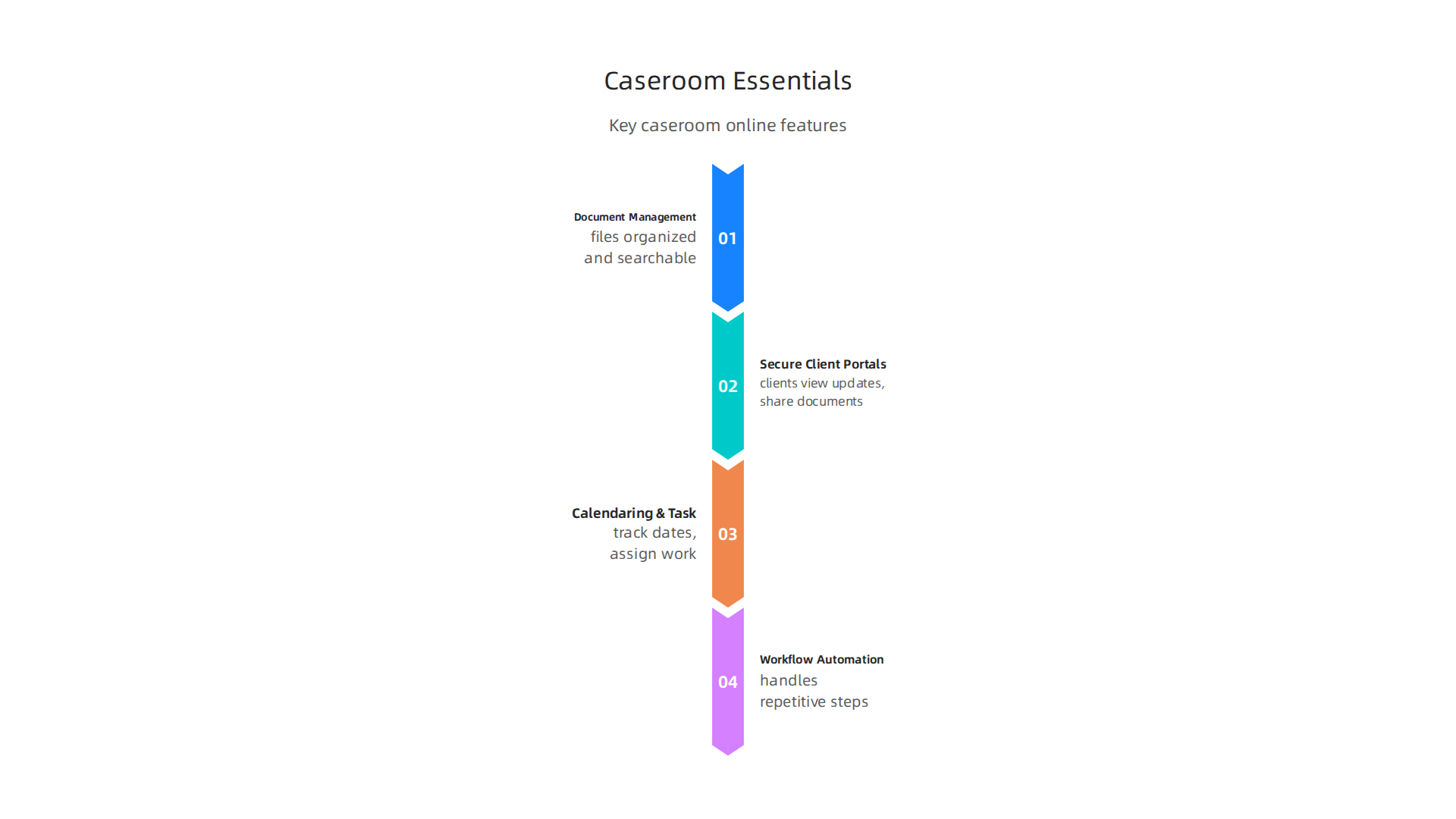
Document management keeps all your case files organized and searchable. Secure client portals give clients a way to view updates and share documents without emailing sensitive information back and forth. Calendaring and task management help you track important dates and assign work to team members. And workflow automation handles repetitive steps like sending reminders or generating standard forms.
But here is the difference that matters in 2026. Older case management tools felt like digital filing cabinets. You could store files, but collaboration was clunky. Modern caseroom platforms are built for real-time teamwork. Multiple people can work on the same document at the same time. Comments and updates show up instantly. AI features can sort through past cases, suggest deadlines, and flag missing information.
This shift is not just about convenience. It changes how legal teams get work done. Instead of spending hours managing information, lawyers spend more time on the actual legal work. That is the real promise of a caseroom online.
The demand for these smarter systems keeps growing. According to recent market data, the Case Management Software Market Size and Forecast 2025 to 2034 shows steady growth as more firms move away from legacy tools.

Firms that adopt modern caseroom platforms early gain a real edge.
If you want to see how law firms are using these tools to handle specific practice areas, read our guide on how law firms defend legal data against phishing emails. It shows one way modern platforms help keep client information safe.
The bottom line is simple. A caseroom online is not just a new piece of software. It is a new way of working. And in 2026, that makes all the difference.
Want to stay in the loop on the latest legal tech trends? The AI Newsletter Worth Reading delivers quick daily updates on AI and technology that impact your practice.
The Strategic Imperative of Centralized Legal Information Access
Imagine you are working on a high-stakes case. You need the latest version of a key contract, a witness statement from three weeks ago, and a quick status update for a client. In the old way of working, you might spend 15 minutes digging through email folders and shared drives. In a modern caseroom online, you find everything in seconds. That difference adds up to hours saved every week.
Centralizing legal information is not just a nice-to-have. It is a strategic move that directly affects how fast your team works and how happy your clients stay.

Less Time Lost to Searching
When case files live in one place, you stop hunting for documents. A legal library created as a central hub helps attorneys locate relevant materials in minutes. As the guide on what a legal library is explains, organized resources cut down on repeated work and wasted hours. Instead of asking colleagues "Where is that file?", you just look it up. Duplicate data entry disappears too because everyone works from the same source of truth. This alone can free up billable time for higher value work.
Better Client Service in Real Time
Clients today expect fast, transparent answers. A centralized platform delivers that. Through a secure client portal, your clients get real-time access to case updates. They do not need to email you for every small change. They log in and see the latest progress themselves. This builds trust and cuts down on back-and-forth communication.
Technology is making legal services more accessible than ever. A recent report on how AI and technology help bridge access to justice highlights that secure portals and mobile apps are broadening access to essential information for clients. That is the kind of service that sets firms apart.
As technology continues to reshape the legal profession, modern tools are changing how lawyers interact with clients. Our article on how technology reshapes the attorney role in 2026 explores this shift in more detail.
Smarter Decisions with Data
A centralized system also gives you something older tools cannot: meaningful data. You can run reports on case timelines, common bottlenecks, and team performance. These analytics help you spot trends and make better strategic decisions. Instead of guessing which practice areas are most profitable or which tasks take the longest, you look at real numbers. That insight is a real advantage for any firm that wants to grow.
The firms that embrace centralized access early gain a competitive edge. They work faster, serve clients better, and make smarter moves based on data. In 2026, that is not just a luxury. It is a necessity.
Security, Compliance, and Data Privacy in the Digital Case Management Era
Moving your casework to a caseroom online platform brings huge efficiency gains. But it also raises a big question: Is my data safe here? In 2026, law firms cannot afford to ignore security and compliance. Clients expect their sensitive information to stay protected, and regulators are watching closely.
The Rules You Must Follow
If you handle client data, you have legal duties to protect it. Different rules apply depending on where you practice. The GDPR covers anyone working with data from the European Union. The CCPA applies in California. And the ABA model rules on confidentiality set the standard for ethical legal practice in the United States.
A modern case management platform should help you meet all of these requirements, not get in the way. When you choose a system, look for one that treats compliance as a built-in feature, not an afterthought.
Non-Negotiable Security Features
Every serious legal workflow software tool should include three basic protections:
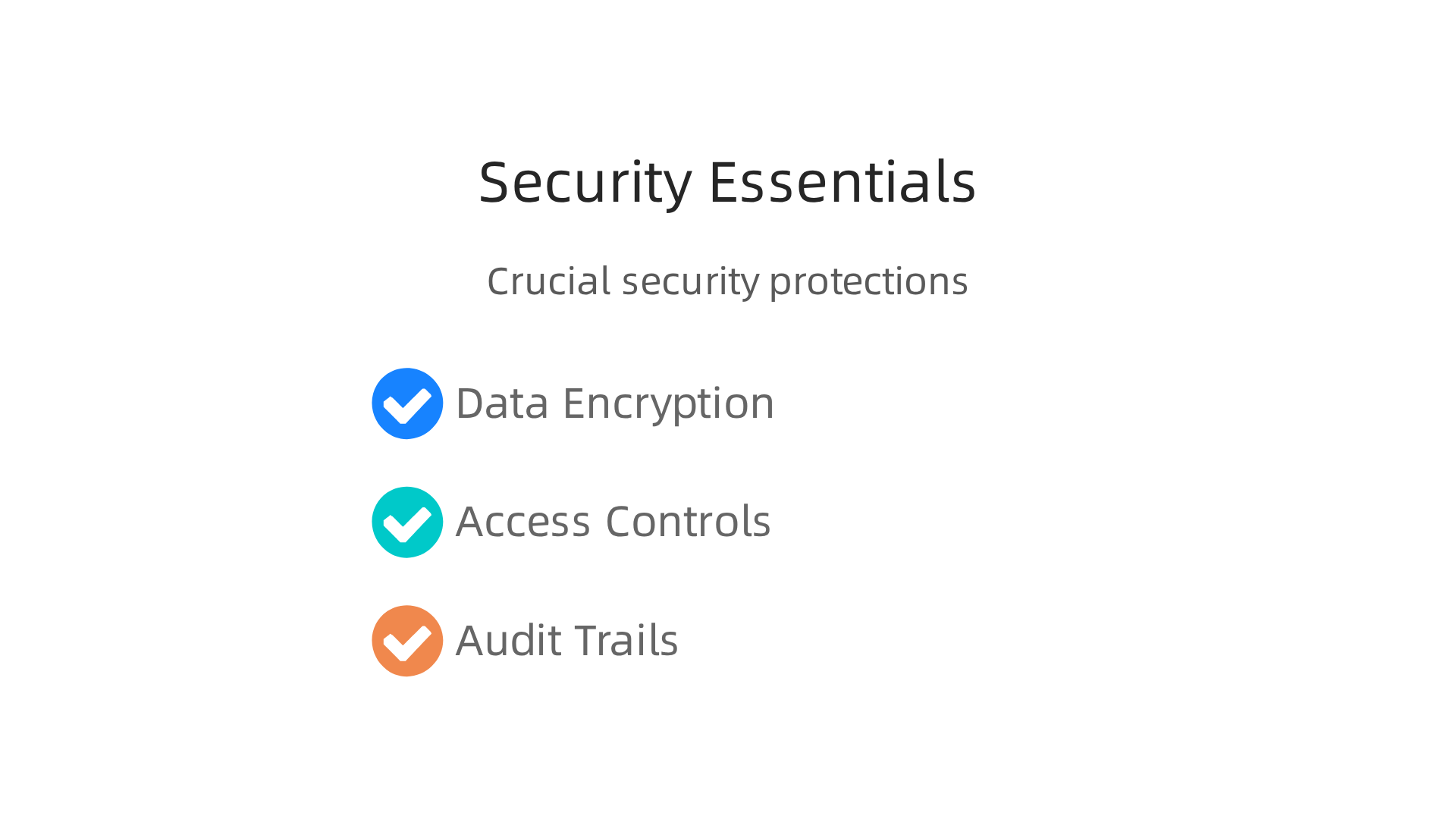
- Data encryption. Your files need to be encrypted both when they are stored and when they move between devices. This keeps information unreadable even if someone intercepts it.
- Access controls. Not everyone in your firm needs to see every document. Role-based permissions let you decide who can view, edit, or share each file.
- Audit trails. You need a clear record of who accessed what and when. Audit trails help you spot unusual activity and prove compliance if regulators ask questions.
These are baseline requirements, not extras. If a vendor skips any of them, keep looking.
Why Vendor Certifications Matter
You should also check for independent security certifications. SOC 2 and ISO 27001 are the two big ones. These certifications mean an outside expert has verified that the vendor follows strict security practices.
The legal tech landscape moves fast. As this guide on how law firms defend legal data against phishing emails explains, staying ahead of threats requires constant attention. A certified vendor takes that responsibility seriously.
What This Means for Your Caseroom Online Choice
When you evaluate an investigation case management software option, ask direct questions about security. Where is the data stored? Who has access? What happens if there is a breach? A good vendor will answer clearly and provide proof.
If you are still unsure, check what other legal professionals say. Discussions about security practices on law Reddit threads can give you real-world insights from people who use these tools every day.
Staying informed about legal tech trends helps you make smarter decisions. That is why getting clear daily AI updates from The Deep View Newsletter can keep you ahead of emerging risks and new compliance requirements.
The firms that prioritize security do more than protect data. They build trust with clients and avoid costly regulatory trouble. In 2026, that trust is everything.
How to Evaluate and Select the Right Caseroom Online Solution
Building that trust starts with choosing the right tools. But with so many options out there, how do you find the best caseroom online platform for your firm?

You need a clear approach that cuts through the noise. Follow these three steps to make a confident choice that your whole team will thank you for.
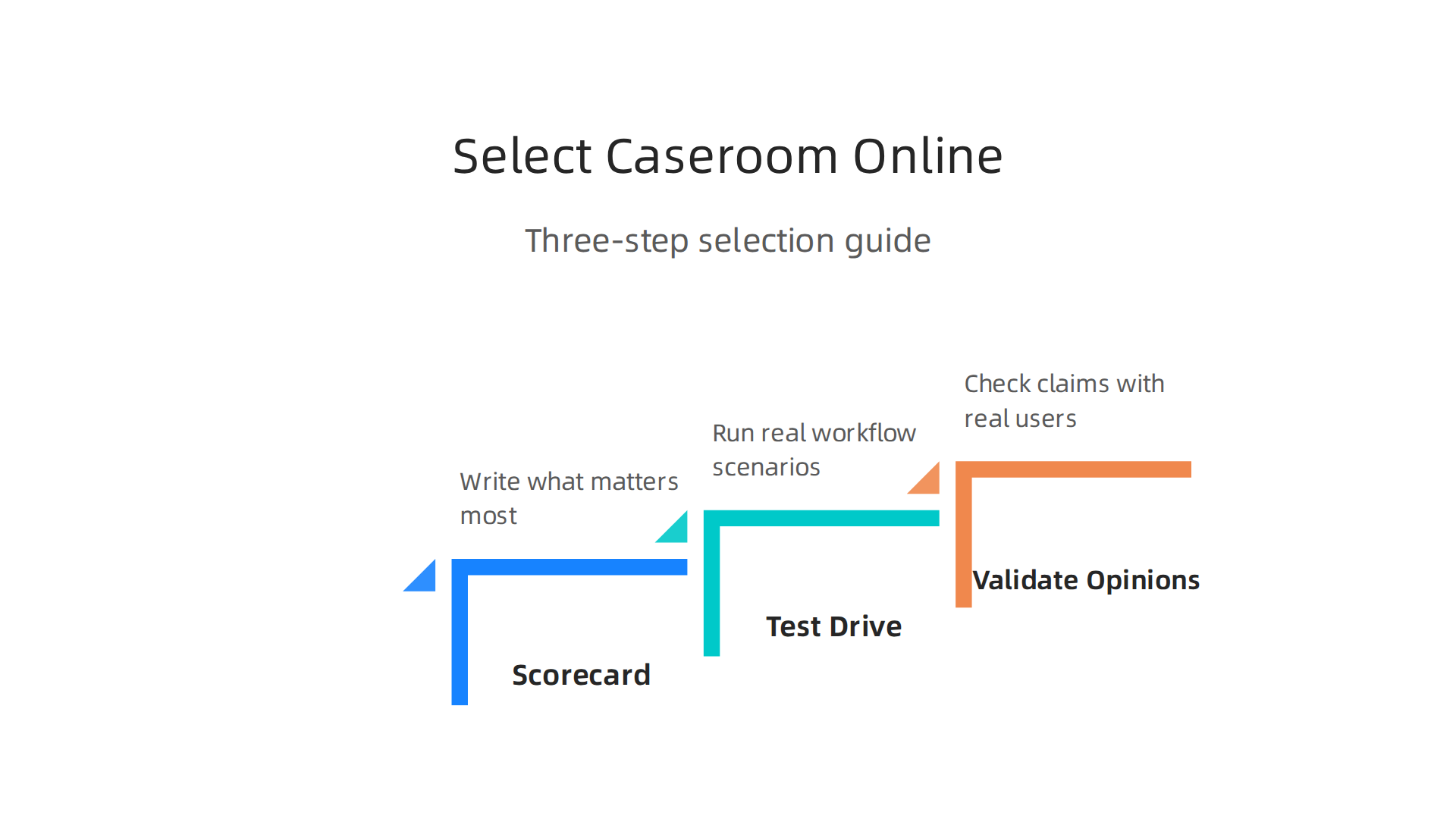
Start with a Smart Scorecard
Do not shop for legal workflow software based on flashy ads alone. Create a scorecard first. Write down what matters most to your specific practice. Focus on core features, strong security, easy integrations with your current tools, room to grow as your firm expands, and reliable vendor support.
A good scorecard helps you compare platforms fairly. One tool might have advanced automation while another excels at simple task tracking. A detailed list of what to look for, like this guide on evaluating case management solutions in 2026, gives you a strong starting point for building your criteria.
If you are not sure where to begin, borrow ideas from other parts of legal work. The same nine proven criteria for choosing legal partners can apply to picking technology. Think about responsiveness, user experience, and long term fit.
Test Drive Before You Commit
A demo or free trial tells you more than any sales brochure. Use this time to run real workflow scenarios. Can you move a case from intake to closing without friction? Is the interface clear enough for paralegals, associates, and partners to use every day?
Pay attention to how the platform handles your specific needs. If your firm handles complex investigations, test how the investigation case management software manages evidence logs, timelines, and document sharing. Upload files, set deadlines, and run a sample report. The hands on approach shown in a case study like the Case Room case study from iApp Technologies highlights how teams test usability before making a final choice.
Validate with Outside Opinions
Once you have a shortlist, check vendor claims against real user experiences. Read reviews from trusted third party sites like GetApp or G2. You can also find honest feedback from legal professionals in discussions on law Reddit threads.
See how similar firms use the platform in day to day work. For example, leading law firms embracing technology in 2026 show how the right software improves operations and client service. A confident vendor will happily provide references and detailed case studies.
Taking the time to evaluate carefully saves you from expensive mistakes. It also sets your firm up for long term success with a caseroom online solution that truly supports your work.
Integration with Existing Legal Tech Stack
You picked a great caseroom online platform. Now the real question: does it talk to your other tools? A system that stands alone creates busy work. You end up typing the same client info into three different programs. That wastes time and invites errors.
For a smooth rollout, your caseroom online needs to connect with your practice management software, billing system, e-discovery tools, and document automation apps. Here is what to focus on.
APIs Make or Break the Connection
A strong API (application programming interface) lets your caseroom online share data with other systems in real time. When you close a case, the billing system should update automatically. When a new lead comes from your CRM, a case file should open without anyone retyping details. The best case management software for 2026 lists CRM, billing, cloud storage, and email integration as core must-haves.
Without an API you are stuck with manual exports and imports. That leads to delays and mistakes. Always ask vendors for a list of prebuilt integrations and their API documentation before you sign.
Data Migration Takes a Real Plan
Moving old case data into your new caseroom online platform is not a simple copy and paste. You need a structured migration plan. Map which fields match between systems. Clean up outdated or duplicate records. Run a test with a small batch of cases first. A good vendor will help you through this step. If they brush it off, that is a warning sign.
Train Your Team on the New Workflows
Integration changes how people work every day. A paralegal who used to jump between five different apps now has one main dashboard. That sounds great, but it takes practice. Build a training plan that covers the actual workflows, not just the buttons. Show your team how the caseroom online platform connects with tools they already know. For example, an AI contract analysis tool can feed directly into your case files, cutting hours of manual review time.
Keep Security in the Loop
When systems connect, data flows between them. That creates new spots where sensitive information could leak. Make sure your caseroom online platform uses encryption, role based access, and audit logs. Learn how law firms defend legal data from phishing and other threats to protect your client information.
The right integration turns your caseroom online into the central hub of your legal operations. With careful planning, it will work smoothly with everything you already use.
Want to stay current on legal tech integration trends? Subscribe to The AI Newsletter Worth Reading for daily updates that help your practice stay ahead.
Implementation Best Practices: From Pilot to Firm-Wide Adoption
You picked your caseroom online platform. You made sure it connects to your other tools. Now comes the part that makes or breaks everything: getting your people to actually use it.
The worst mistake is rolling it out to everyone on day one. That creates chaos. Instead, use a smarter approach that builds confidence step by step.
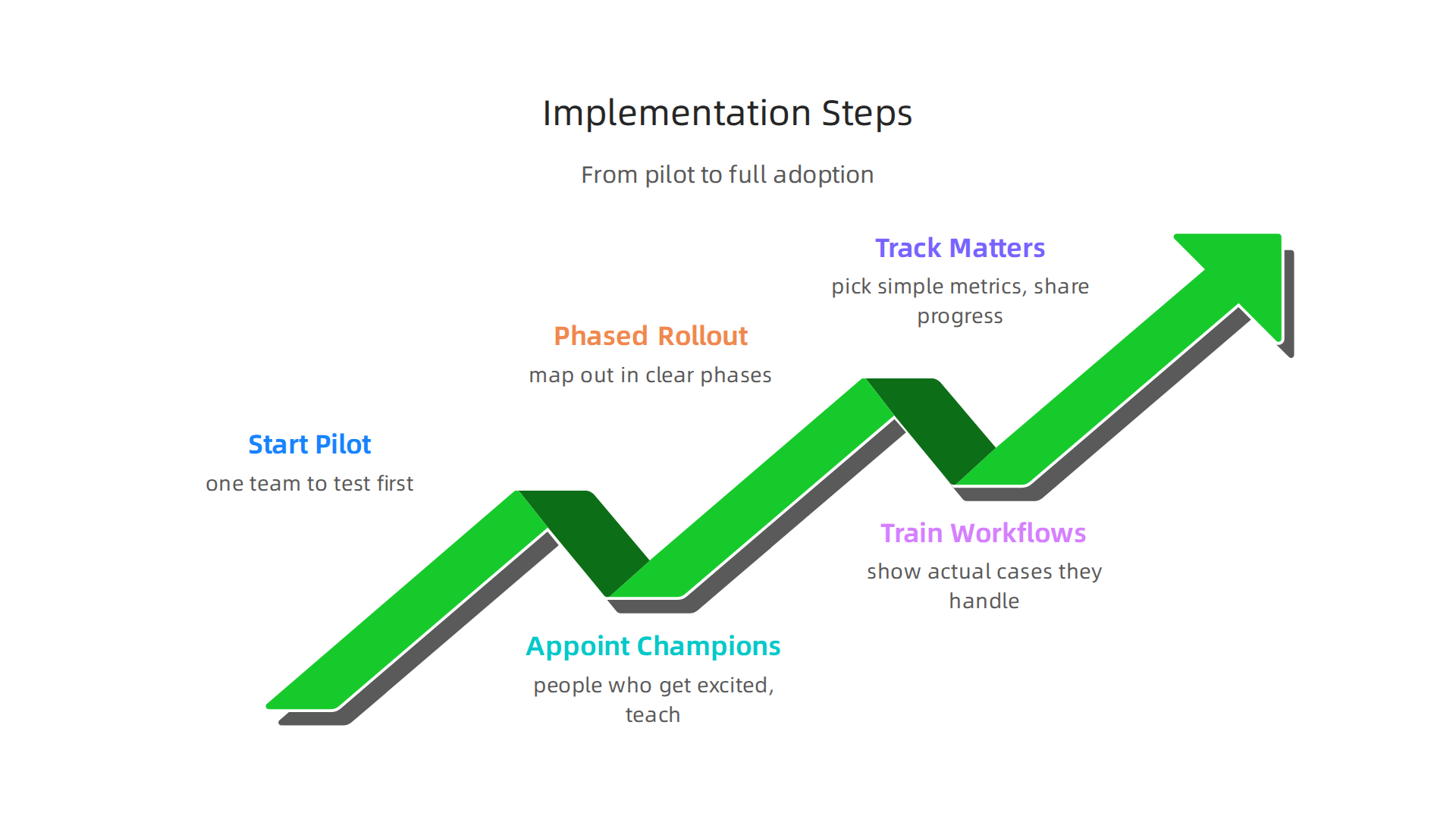
Start with a Pilot Group
Pick one team or one practice area to test your caseroom online first. Look for 3 to 5 people who are curious about new tools, not the ones who resist change. Let them work with the platform on real cases for two to three weeks. Watch how they use it. Note where they get stuck. Ask what they love and what slows them down.
This pilot phase saves you from big problems later. According to the 10 Key Case Management Best Practices guide, getting real feedback from the people doing the work helps you shape the system around actual needs, not guesses.
Appoint Internal Champions
Every successful rollout needs champions inside the firm. These are people who get excited about the new caseroom online and can teach others. Pick one champion per department. Give them extra training time. Make them the first point of contact for questions.
Why does this work? People trust their coworkers more than they trust vendor trainers. When a paralegal sees another paralegal using the system smoothly, they believe it works. Champions make adoption feel natural instead of forced.
Build a Phased Rollout Timeline
Map out your rollout in clear phases. Week one is the pilot. Week two is training for the next group. Week three that group goes live with full support. Week four you add another group.
A phased rollout does two big things. First, it lets you catch and fix problems while only a small group is affected. Second, it builds momentum. When one team tells others how much time they save, people start asking when they get access. That is way better than pushing a tool on unwilling users.
Train Around Real Workflows
Do not just show people buttons. Walk them through the actual cases they handle every day. If your firm does personal injury work, build a training scenario that starts with intake and ends with settlement. Let people click through the process in a sandbox environment first.
A Guide to Choosing the Best Legal Case Management Software in 2026 points out that the best tools match your firm’s specific needs. The same idea applies to training. Make every session about the work your team already does, not abstract features.
Track What Matters
Pick three simple metrics before you kick off. How many cases are in the new system each week? How fast do common tasks take compared to the old way? How many people log in daily? Share these numbers with your team. When people see progress, they stay motivated.
For more ways to build modern workflows that complement your caseroom online, explore these smart content and interactive legal tools for modern law firms. They can extend what your platform does.
The jump from pilot to firm-wide adoption takes patience. But with champions in place, a phased timeline, and training tied to real work, your whole firm will be using the system before you know it.
Measuring and Demonstrating ROI from Caseroom Online Investments
How do you prove your caseroom online investment was worth it? This question comes up in every firm after the rollout is done. Partners want proof. Budget holders need numbers. And you want to show that your choice was the right one.
The answer comes down to two kinds of results: hard numbers and soft wins. Both matter for keeping your caseroom online funded and growing.
Hard ROI Metrics That Matter
These are the numbers that grab attention in any meeting. Start tracking them before you even launch the platform. That gives you a true before-and-after comparison.
| Metric | What to Measure | Expected Impact |
|---|---|---|
| Billable hours saved | Hours spent on admin tasks per week | 15% to 25% reduction after full adoption |
| Matter cycle time | Days from intake to close | 20% to 30% faster with legal workflow software |
| Administrative cost savings | Hours spent on filing, searching, and duplicate data entry | Significant drop once the system handles these tasks |
Pick three metrics that match your firm’s priorities. Track them weekly for the first three months. Share the numbers in team meetings. When people see real progress, they stay on board with your investigation case management software investment.
Soft Benefits That Count Too
Hard numbers are not the whole story. Some of the biggest wins from a caseroom online are harder to measure but just as real.
Client satisfaction goes up when you can respond faster and keep cases organized. Risk goes down when you have complete audit trails and secure data storage. Staff morale improves when people stop doing repetitive busywork.
These soft benefits protect your firm in ways that spreadsheets do not capture. A client who stays because of great service is worth more than any single efficiency gain.
Build Your Business Case with Real Data
To make your case stick, use real numbers from your own firm. Compare the six months before your caseroom online rollout to the six months after. Show the difference using the exact metrics your leadership cares about most.
When selecting your platform, validate ROI before buying. The guide on how to choose case management software for nonprofits suggests asking vendors to show you their reporting tool with a real use case from your programs, not just their standard demo data. Apply the same thinking to your caseroom online decision. Know what you will measure before you commit.
For more on how top firms use technology to stay ahead, read about how leading law firms embrace technology in 2026. These examples can strengthen your own business case.
Keep Improving
ROI does not end at launch. Check your numbers every quarter. Look for new ways to use your caseroom online that you did not plan at the start. Maybe your team finds a clever workflow for a specific case type. Maybe a new integration saves even more time.
The legal tech landscape changes fast. Staying informed about emerging tools helps you keep your advantage. That is why many legal professionals subscribe to The Deep View Newsletter for clear daily updates on AI and technology that affect your practice.
When you measure the right things and share them with your team, the value of your caseroom online becomes obvious to everyone.
User Training and Adoption: Ensuring Your Team Embraces the New Platform
You have invested time and money in your caseroom online. But here is the hard truth: the best platform in the world does nothing if your team does not use it. Adoption is where most legal tech efforts fail. The difference between a wasted investment and a game-changing tool comes down to how you train and support your people.

Train Different Roles Differently
Your attorneys, paralegals, and support staff all use the caseroom online in different ways. Do not put them all in the same session. Attorneys need to see how the platform saves time on case strategy and document review. Paralegals need hands-on practice with document management and workflow automation. Support staff need clear steps for data entry and routine tasks.
One size fits none. According to a guide on boosting legal tech adoption, tailoring training to each group makes a huge difference. When people see how the tool helps their specific job, they actually want to learn.
Make Training Interactive and Ongoing
A single one-hour demo will not stick. Plan for interactive workshops where team members can click around, make mistakes, and ask questions. Follow up with short video tutorials, quick reference guides, and office hours where someone can answer real problems.
The best firms create a small group of internal champions. These are power users who love the platform and can help others. They become your go-to coaches when someone gets stuck. This peer support builds confidence faster than any formal training session.
Track Adoption and Handle Resistance
You cannot improve what you do not measure. Keep an eye on who is logging in, using features, and completing tasks. If you see people falling behind, ask why. Maybe they missed a key training step. Maybe a certain workflow does not match how they work. Fix the problem, do not blame the person.
Resistance often comes from fear. People worry the platform will replace their job or make their work harder. Be honest about the change. Show them how the caseroom online handles boring busywork so they can focus on higher value tasks. Celebrate small wins and share success stories from the team.
For a deeper look at how technology is reshaping legal roles, read about how technology reshapes the attorney role in 2026. Understanding these shifts helps you explain the why behind your caseroom online choice.
Keep Learning and Adapting
Adoption is a process, not a one-time event. Keep training materials updated. Run refresher sessions when new features launch. Ask your team regularly what is working and what is frustrating.
The legal tech world moves fast. New tools and workflows appear every month. Staying on top of these changes helps you keep your team engaged and your platform useful. That is why many legal professionals subscribe to The Deep View Newsletter for clear daily updates on AI and technology that affect your practice.
When you invest in training and adoption, your caseroom online stops being just a tool. It becomes a natural part of how your team works every day.
Summary
This article explains what a caseroom online is and why modern legal teams in 2026 need a centralized digital workspace to manage cases, documents, deadlines, and collaboration. It walks through essential platform features—document management, client portals, calendaring, workflow automation and AI—and shows how these tools shift work from administrative busywork to higher-value legal tasks. The guide emphasizes security and compliance, listing non-negotiable protections like encryption, access controls, audit trails, and third-party certifications. It gives a practical selection process: build a scorecard, run trials, and validate vendors with real user feedback. The piece covers integration needs (APIs, migrations), a staged implementation plan with pilots and champions, plus role-specific training to boost adoption. Finally, it explains how to measure ROI with hard metrics and soft benefits so firms can demonstrate value and continuously improve their caseroom online investment.